
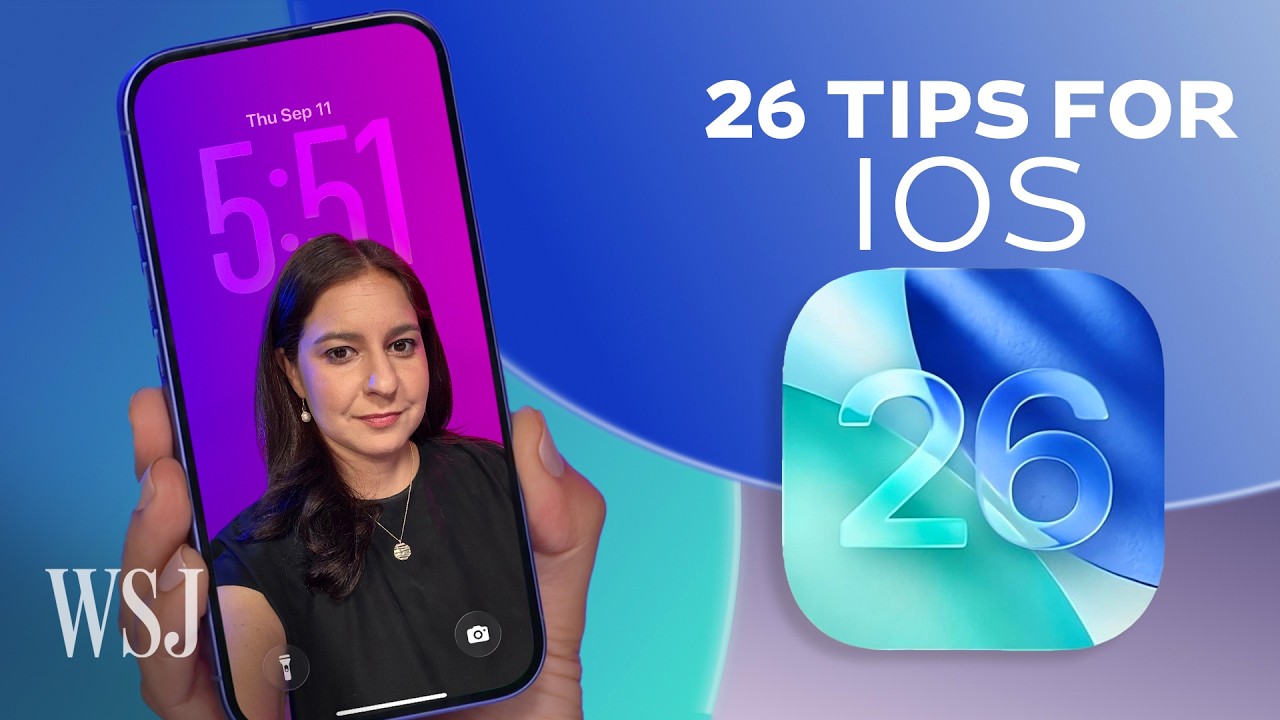

iOS 26: A Revolutionary Update for Apple Users
Apple has unveiled iOS 26, marking a significant leap forward with its most extensive visual overhaul in years. From groundbreaking AI enhancements to practical features aimed at improving user experience, this update is packed with 26 new functionalities that aim to make iPhone usage more intuitive and efficient.
One of the standout additions is the Liquid Glass feature, which allows users to customize their home screens, offering a sleek and modern look that aligns with contemporary design trends. This visual upgrade, alongside the ability to “glassify” the home screen, is expected to attract users eager for a fresh aesthetic.
Apple has also incorporated advanced AI capabilities into iOS 26. Notably, the live translation feature enables seamless translations during calls and FaceTime chats, making it easier for users to communicate across language barriers. However, this functionality requires the latest Apple Intelligence technology, which currently operates only on the iPhone 15 Pro and newer models.
In a bid to enhance communication efficiency, the update includes a built-in call screening assistant that filters unwanted calls, allowing users to take control of their phone interactions. The hold assist feature further streamlines communication by keeping users informed while waiting for responses, thereby enhancing the overall call experience.
For those tired of unknown senders cluttering their messaging apps, iOS 26 introduces a robust filter for unknown senders, providing a cleaner and more organized messaging environment. Users can also now personalize their conversations by incorporating message backgrounds and even adding polls, making group chats more interactive and engaging.
Additional features cater to user convenience, such as the ability to adjust snooze times for notifications, ensuring that interruptions remain manageable. The update also includes a new tool that allows users to inquire about screenshots, enhancing the way information and visuals are shared.
Moreover, iOS 26 prompts users to re-learn the camera app with improved functionalities designed to optimize photography experiences, all while introducing an adaptive power setting that enhances battery performance based on user habits and needs.
In her latest video, WSJ’s Joanna Stern takes viewers through these transformative changes, demonstrating how to utilize new features while offering tips on disabling those that may not resonate with every user. Whether you’re an Apple aficionado or simply curious about the latest developments, iOS 26 promises to redefine the iPhone experience.
With these advancements, Apple’s commitment to innovation remains evident, positioning iOS 26 as a significant update that could shape the way users interact with their devices for years to come.
Watch the video by The Wall Street Journal
Video “iOS 26: 26 New Features for Apple’s New iPhone Software Update | WSJ” was uploaded on 09/15/2025 to Youtube Channel The Wall Street Journal